

Blockchain Essentials – Architecture, Components and Benefits
Blockchain name itself seems to be very complex, so its architecture. You must have always thought that it will be very diffi...
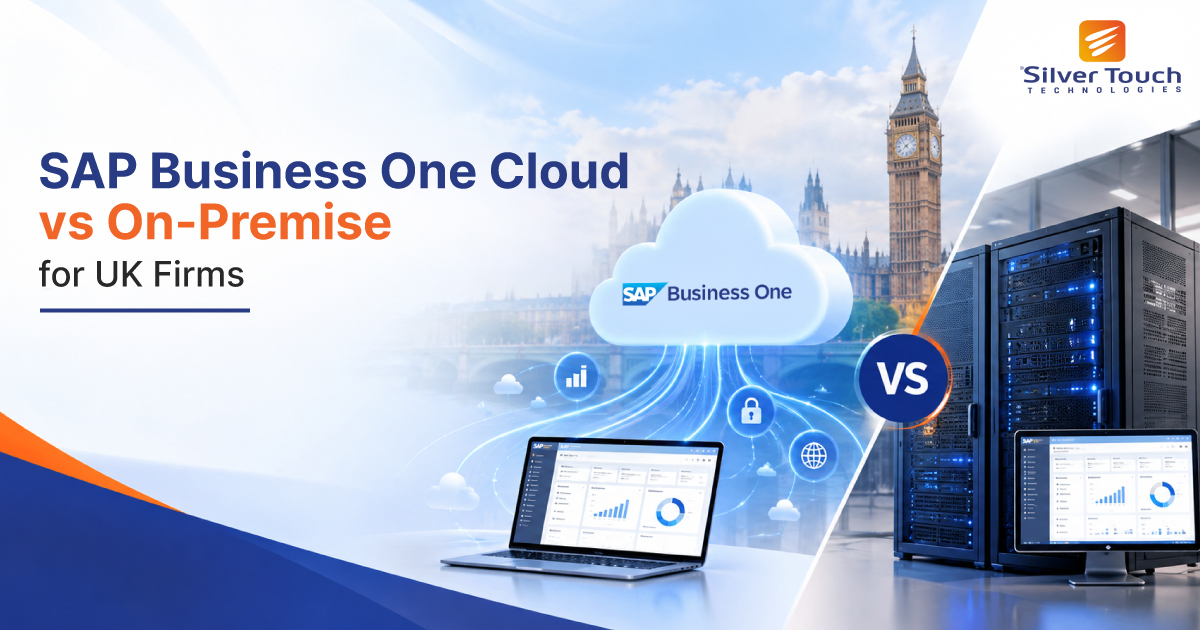
Choosing an ERP system is one of the biggest technology decisions a growing UK business will make. But once you have settled on SAP Business One, a second question follows quickly: should you run it in the cloud or on your own servers? The SAP Business One cloud vs on-premise decision shapes your costs, your security posture, how you meet UK GDPR and HMRC requirements, and how easily your teams can work from anywhere.
There is no single right answer. A Manchester manufacturer with an experienced IT team will weigh things differently from a London professional services firm with staff spread across the country. In this guide, we compare both deployment models side by side, look at what matters most for UK organisations, and help you decide which route fits your business today and as it grows.
SAP Business One offers the same core functionality in both models: finance, sales, purchasing, inventory, production, CRM and reporting. What changes is where the software runs and who looks after it.
On-premise SAP Business One is installed on servers your business owns or controls, usually in your office or a private data centre. You typically buy perpetual licences upfront, pay annual maintenance to SAP, and your IT team (or partner) manages hardware, backups, upgrades and security.
SAP Business One cloud is hosted for you by an SAP partner, typically on platforms such as Microsoft Azure or AWS, with UK data centre options available. You pay a monthly or annual subscription per user, and the provider handles infrastructure, patching, backups and availability. Users connect through a browser, the desktop client or the SAP Business One web client.
Here is how the two models compare on the factors UK decision-makers ask about most.
| Factor | Cloud | On-premise |
|---|---|---|
| Upfront cost | Low: no servers or perpetual licences | High: hardware, licences, setup |
| Ongoing cost | Predictable monthly subscription | Annual maintenance plus IT staff and hardware refresh |
| Accounting treatment | Operating expense (OpEx) | Capital expense (CapEx) |
| Data location | Provider’s data centre (UK regions available) | Your own premises |
| IT responsibility | Provider manages infrastructure | Your team manages everything |
| Remote access | Built in, from anywhere | Needs VPN or remote desktop setup |
| Customisation | Broad, within the host’s policies | Full control over add-ons and integrations |
| Scalability | Add users in days | May need new hardware |
| Time to go live | Usually faster | Longer, due to infrastructure setup |
Cost is usually the first thing UK finance directors examine, and it is where the two models differ most in shape.
With cloud, you swap a large upfront investment for a predictable subscription. That protects cash flow, which matters for SMEs managing tight working capital or rising interest costs. Hosting, backups, security patching and disaster recovery are normally bundled in, so there are fewer surprise bills.
With on-premise, the upfront spend is higher: server hardware, perpetual licences, SQL Server or SAP HANA licensing, and implementation. You then pay annual SAP maintenance, plus the cost of IT staff time, power, cooling and a hardware refresh every four to five years. However, firms that already own suitable infrastructure and plan to run the system for many years can find on-premise cheaper over a long horizon.
The fair comparison is total cost of ownership over five years, not the first-year price. Ask your SAP partner to model both options using your actual user numbers and growth plans.
Under UK GDPR and the Data Protection Act 2018, your business remains accountable for how customer and employee data is stored and protected, whichever model you choose.
A common worry is that cloud means less control. In practice, reputable hosting partners often deliver stronger security than a small in-house team can: enterprise firewalls, encryption at rest and in transit, 24/7 monitoring, multi-factor authentication and certifications such as ISO 27001 and Cyber Essentials Plus. To keep data in the UK, choose a provider that hosts in UK regions, such as Microsoft Azure UK South or AWS London, and confirm this in your data processing agreement.
On-premise gives you physical control of your data, which some regulated sectors and defence suppliers still require. The trade-off is that every security task, from patching to off-site backups and ransomware recovery, becomes your responsibility. Ask yourself honestly whether your team has the capacity to do this well, every week.
SAP Business One supports UK localisation in both models, including VAT reporting and Making Tax Digital (MTD) for VAT submissions through compatible solutions. The difference lies in how quickly you receive updates.
When HMRC changes rules or APIs, cloud customers typically get updates applied by their hosting partner as part of the service. On-premise customers must schedule, test and install those updates themselves. If your team falls behind on upgrades, you risk running a version that no longer meets current reporting requirements or is out of SAP’s mainstream support.
Whichever model you choose, keep your SAP Business One version current and confirm your MTD connector is HMRC-recognised.
Beyond cost and compliance, day-to-day experience often decides which model succeeds.
Use these profiles as a starting point for your own decision.
Cloud is usually the better fit if you:
On-premise is usually the better fit if you:
Consider a hybrid or staged approach. Some UK firms start on-premise and migrate to the cloud when their hardware is due for renewal. Others keep SAP Business One in the cloud while running specific integrations locally. A good SAP partner can plan a migration path that avoids disruption to month-end close.
Before committing to either model, put these questions to your internal team and your SAP Business One partner:
Clear answers to these questions will quickly show which deployment model gives your business the best balance of cost, control and convenience.
The SAP Business One cloud vs on-premise decision comes down to your cash flow, IT capacity, data control needs and growth plans. For most growing UK SMEs, cloud offers lower upfront costs, built-in security and easy remote access. For firms with strict data rules or deep customisation needs, on-premise still makes strong sense.
Whichever route you take, the right implementation partner makes the difference between an ERP that simply runs and one that drives growth.
Talk to our certified SAP Business One consultants for a free, no-obligation assessment. We will review your current setup, model the five-year costs of both options and recommend the best fit for your UK business.

An experienced business leader, heads the UK operations of Silver Touch Technologies Ltd. With 15 years of experience in the industry, he has set the track record of delivering transformation and revenue growth with SAP Solutions.